
Lightroom mobile can fix closed eyes with one tap
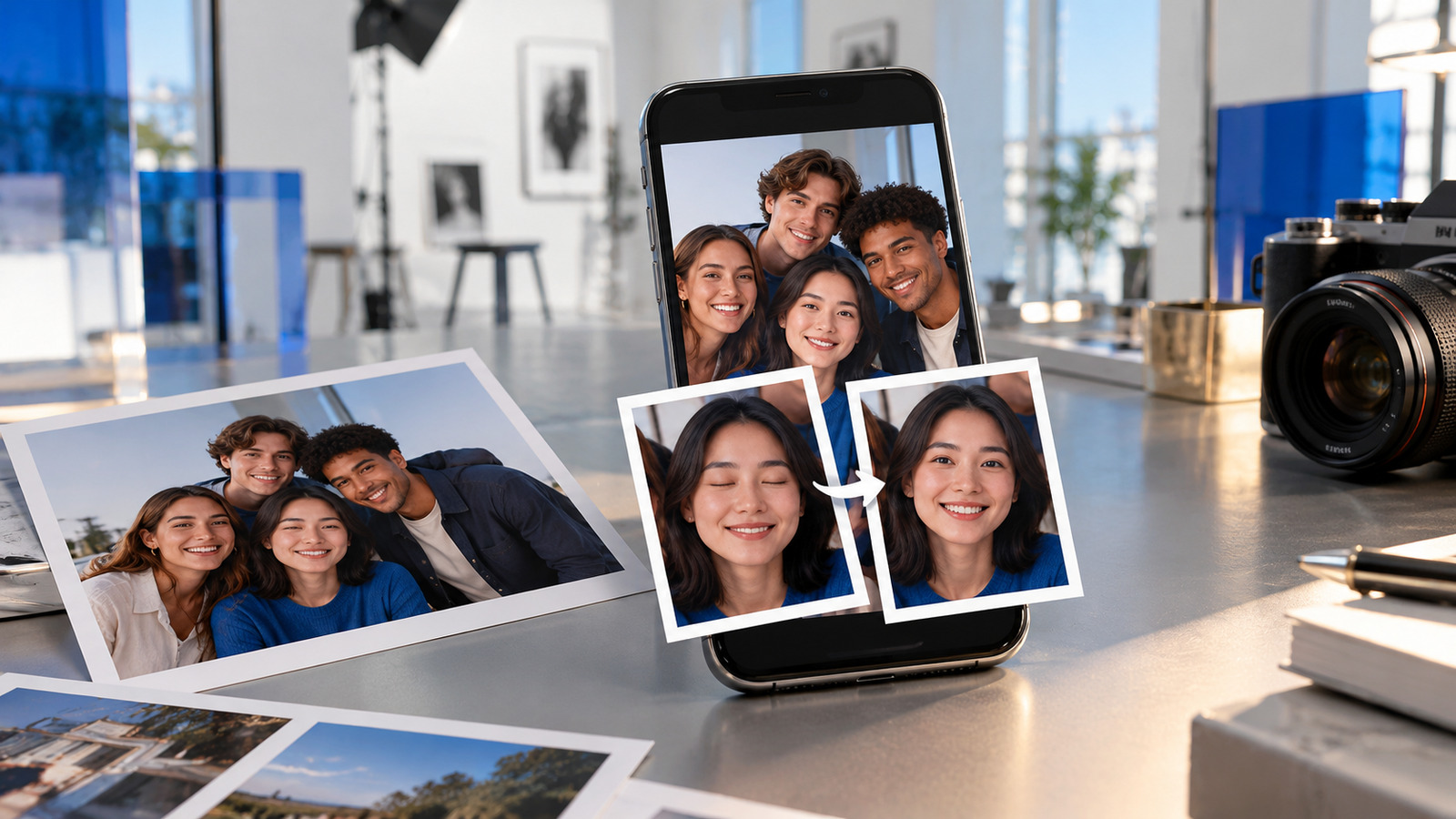
Adobe’s new Open Eyes Quick Action detects closed eyes in Lightroom mobile and uses generative AI to create a natural-looking correction.
AT A GLANCE
Key points
- Open Eyes automatically detects closed eyes in Lightroom mobile
- The correction is generated with AI in one tap
- Other library photos can help match eye color, shape and size
- Open Eyes is available for free on iOS, iPadOS and Android
What is changing?
Adobe added a new Quick Action called Open Eyes to Lightroom for iOS, iPadOS and Android on October 19. When the app detects closed eyes in a photo, it displays the relevant icon and, with the user’s approval, generates natural-looking open eyes in one tap.
If the user has other photos of the person in their Lightroom library, the system can use them to match eye color, shape and size more accurately. Adobe says Open Eyes is available for free. The same announcement also introduced mobile Generative Expand for extending a frame to fit social platforms.
The feature may reduce retakes and manual retouching, especially for group photos. However, generated facial details are not an exact record of reality, so users should review identity resemblance and natural appearance before publishing.
Explore the original sources
Source date: 19 October 2026.
Published by AI Radar: 20 Oct 2026, 20:03 (Istanbul, UTC+3).
FOLLOW THE TOPIC
Topics and tags
Share your discovery.
Send this story to a friend.
Reader comments
What do you think about this development? Share your experience or question. Comments are published after editorial approval.
Your name/nickname and comment become public if approved. Read: Privacy notice.






Loading comments…